

 Together Business Is Made Easier

Les Givrés invites you to order your products online on WEGOTRADE

- No more phone calls, emails, or texts.
- Fewer errors.
- More control.

Benefits for Your Company

Order anytime, anywhere.
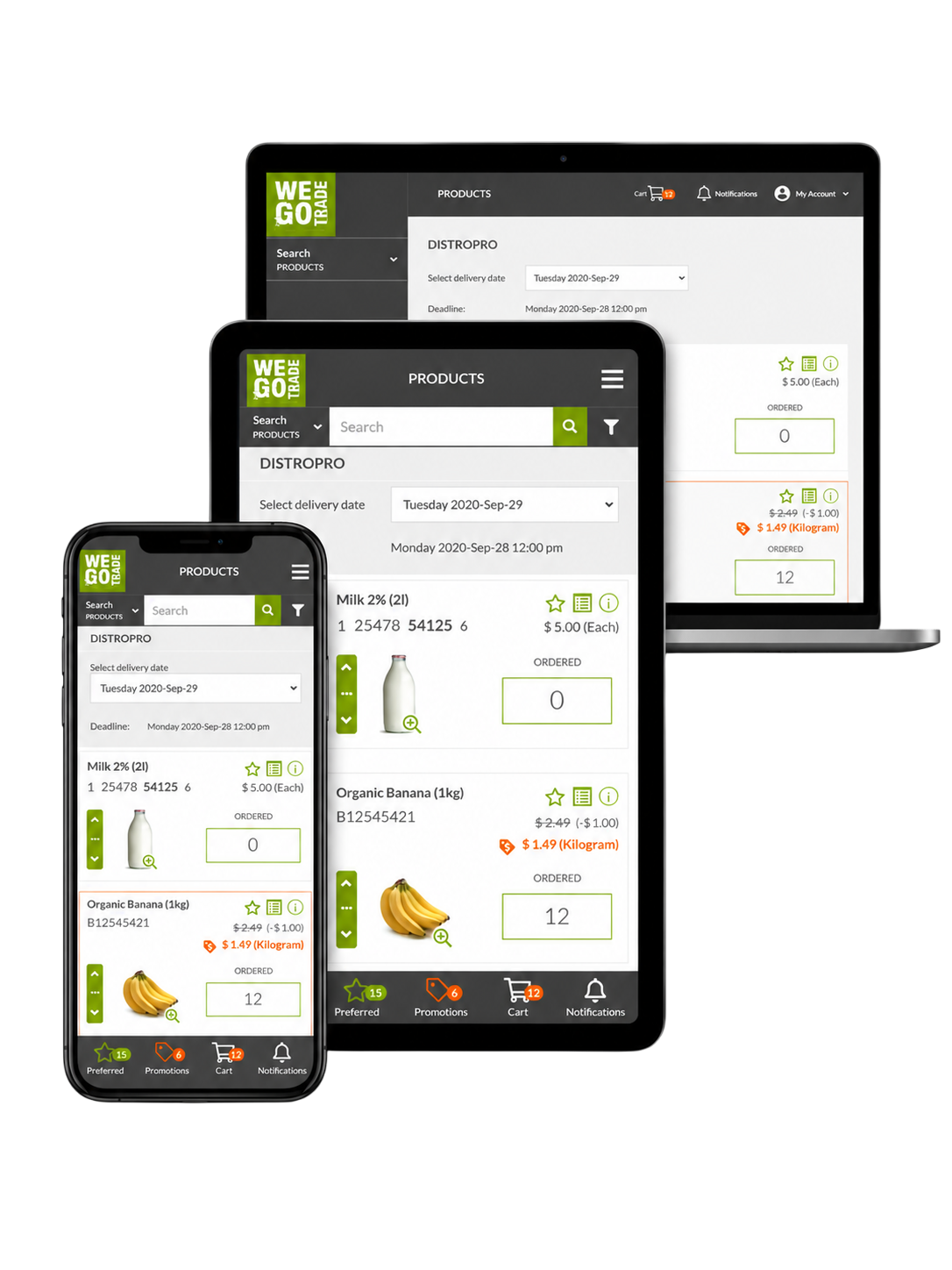
Available from your smartphone, tablet and computer.
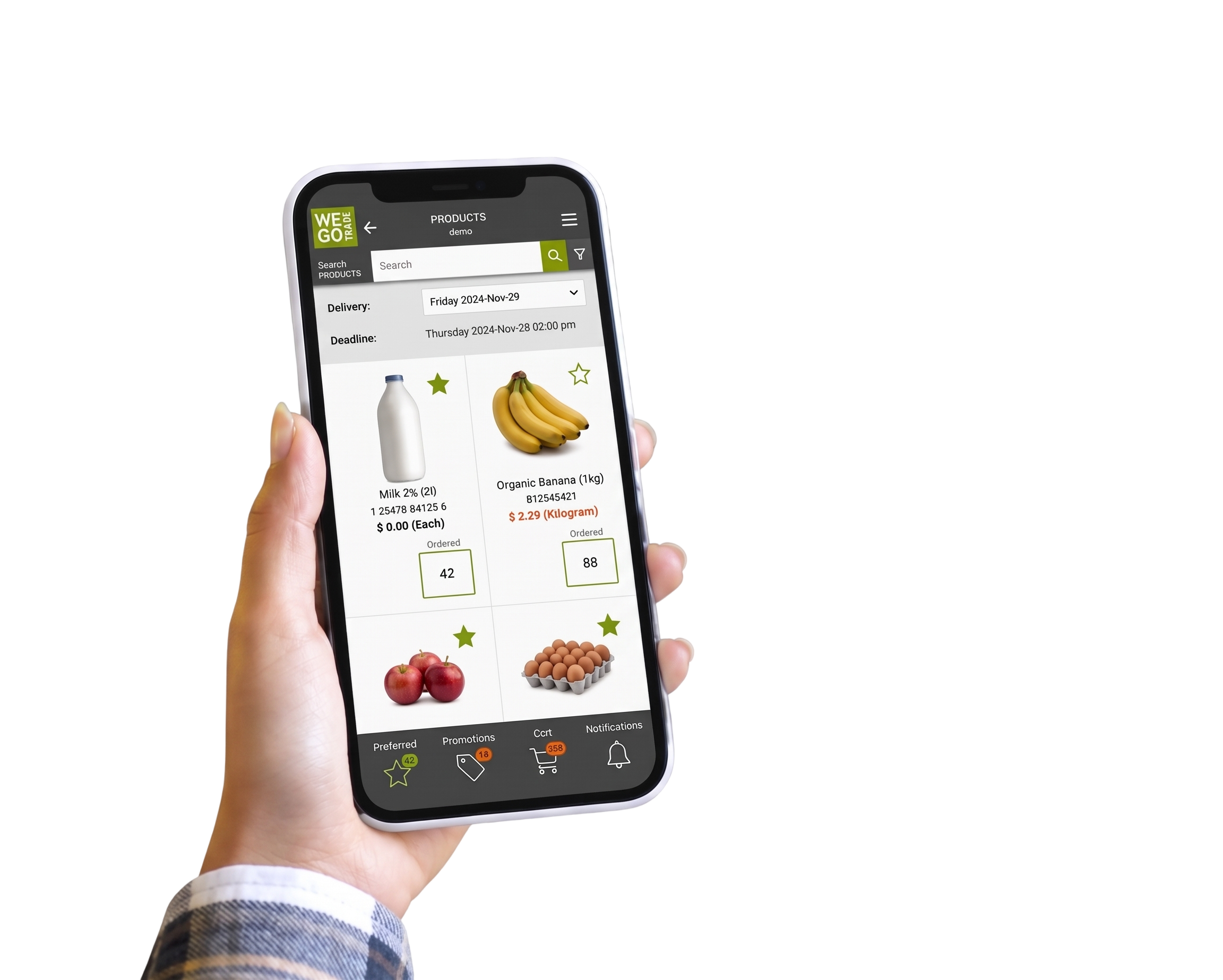
Your products. Your price list.

The use of WEGOTRADE is free of charge for retailers.
Frequently Asked Questions
.png?width=282&height=6&name=Vector%201%20(2).png)
Contact WEGOTRADE support. We handle everything to do with signing in, account access and the platform itself.
Email: support@wegotrade.com
Canada and United States: 1-844-400-1008 ext. 200
Montreal area: 1-514-400-1008 ext. 200
Phone lines are open 8:00 to 17:00, Monday to Friday. Requests sent by email are answered within 36 hours. More details on the WEGOTRADE support page.
For anything about the products themselves, a delivery or an invoice, contact Les Givrés customer service at (514) 903-5323 or adm.lesgivres@gmail.com. That contact is also listed further up this page.
Your order history, quantities and delivery dates are all visible in your account, which makes these questions faster to settle.
Use your WEGOTRADE login at customer.wego.trade. The Sign in button on this page takes you straight there.
Use the credentials sent to you when your account was activated. If you have not received them or your access has expired, If you cannot sign in, contact WEGOTRADE support at support@wegotrade.com or 1-844-400-1008 ext. 200.
Sign in, open the catalogue, enter the quantity you want beside each item, then submit. Your order goes straight to the supplier's system, so there is no separate confirmation call and nothing is re-keyed by hand.
Yes. Every account signs in to its own contract prices, minimum order quantities and delivery windows. You never see another customer's pricing.
Yes. Past orders are saved, so you can reorder in one click or set up a standing order that repeats automatically.
Each supplier sets its own order deadline and delivery days, and both are shown at the top of the catalogue before you order.