

 Together Business Is Made Easier
How to integrate QuickBooks Online
WEGOTRADE offer an integration with QuickBooks Online to synchronize your orders and billings. Follow this guide: How to integrate QuickBooks. And enjoy the benefit of an automated customer order process.
Requirements
- Having an active QuickBooks Online account
- Having an active agreement with WEGOTRADE for a vendor account, including the QuickBooks integration
- If you do not have an agreement with WEGOTRADE, please use this link to contact us:
- Based on the agreement, WEGOTRADE will do some necessary configurations
2 ways to connect
From the QuickBooks marketplace
-
-
Using the “Learn more” button, you will land at step 1 “Connecting From WEGOTRADE” vendor account. Please follow the instructions hereunder.
-
From the WEGOTRADE vendor account
1. Login to your vendor account using this link: https://vendor.wego.trade/login?qbo_guide=1
-
-
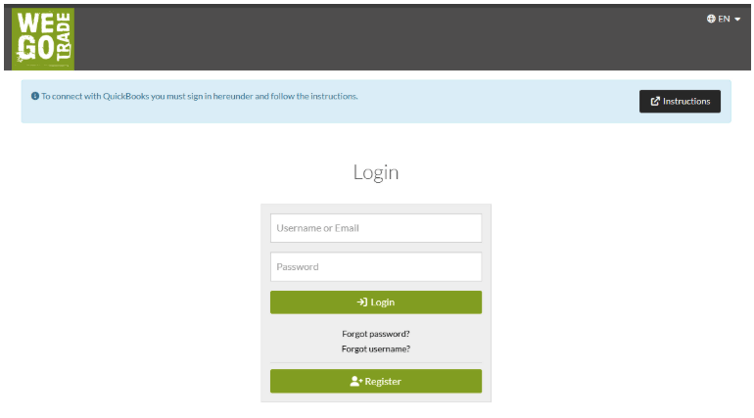
- You will land here if you have used the “Get app now” button
 in the QuickBooks marketplace.
 - This will redirect you automatically to step 6
-
OR
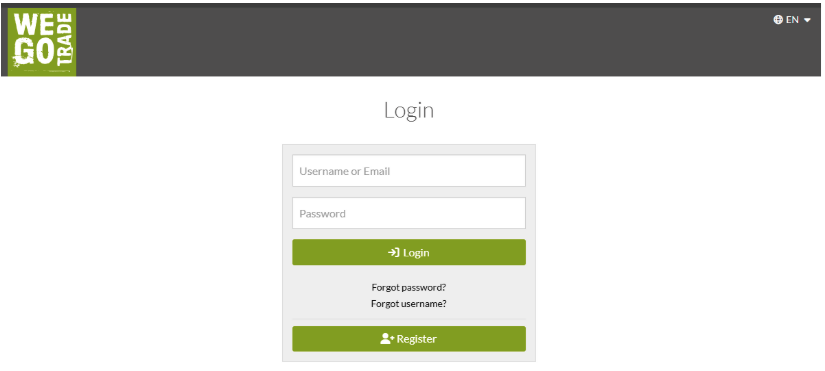
1. Login to your vendor account using this link: https://vendor.wego.trade
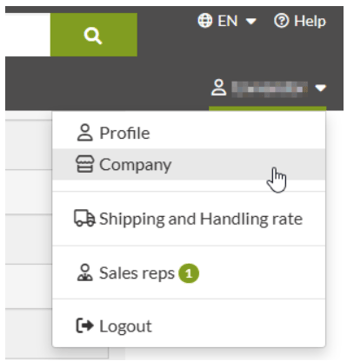
2. Go in the Company section
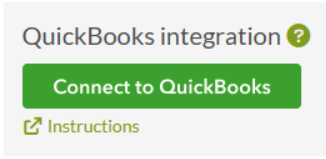
3. Go at the bottom of the page:
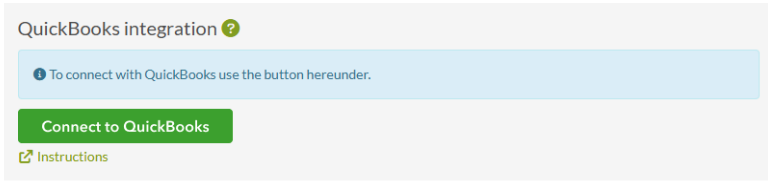
4. Click on the “Connect to QuickBooks” button
5. Log in to QuickBooks:
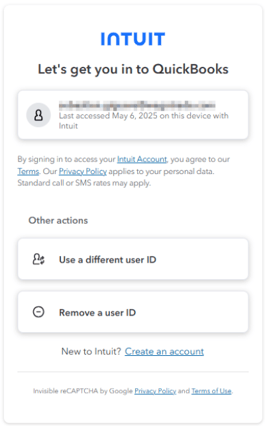
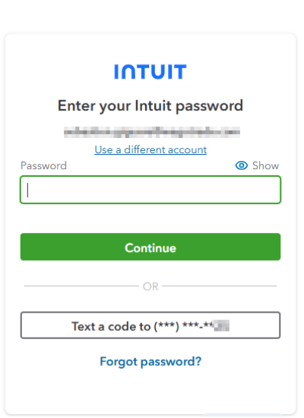
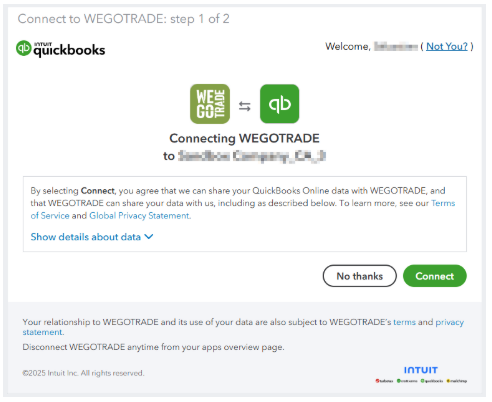
6. Review the data sharing terms, then click “Connect” to authorize the connection between WEGOTRADE and QuickBooks Online.
7. You can confirm your configuration by going at the same place:

If you see this message, it is because of a configuration issue or there is a missing agreement with WEGOTRADE for QuickBooks integration. Please contact Sales using this link: https://wegotrade.com/quickbooks-integration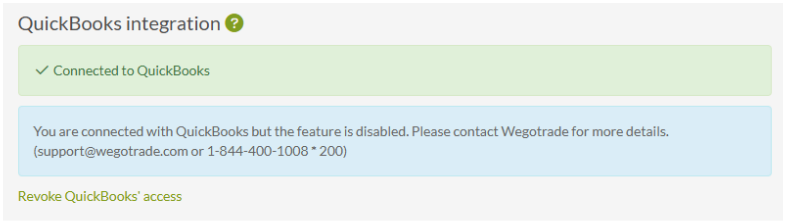
How to revoke your access to QuickBooks Online
From the WEGOTRADE vendor account
-
Login to your vendor account using this link: https://vendor.wego.trade/login?qbo_guide=1
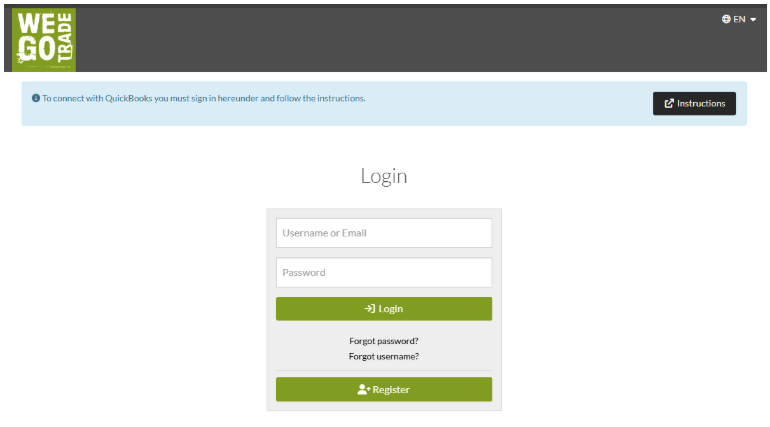
This will redirect you automatically to step 6
OR
1. Login to your vendor account using this link: https://vendor.wego.trade
2. Go in the Company section
3. Go at the bottom of the page:
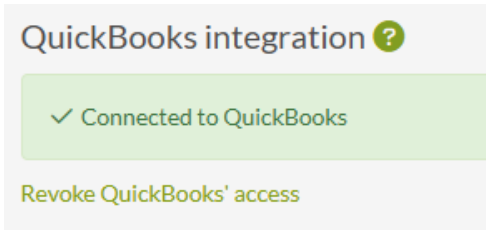
4. Click on the “Revoke QuickBooks’ access” link
5. You will get this success message:

6. If you go at the bottom of the Company page, you will see that you are not connected anymore.
From QuickBooks market place
-
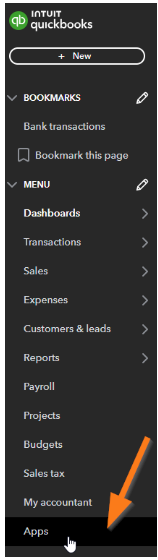
In QuickBooks, go in the Apps section
2. On the WEGOTRADE app, select Disconnect
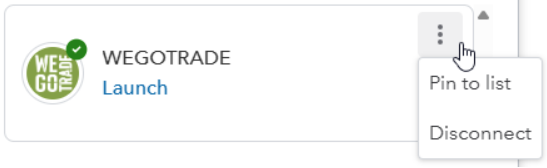
3. You will be redirected here:
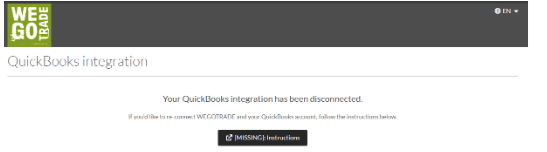
With these simple steps, you now know how to integrate QuickBooks Online with WEGOTRADE.
If you need help or have questions, write us a message